Material shortage, changeover, mechanical — ranked by minutes lost this shift.
42mTop loss
7Stops
100%Coded
1Open
Module
Know why the machine stopped — before the shift report is written.
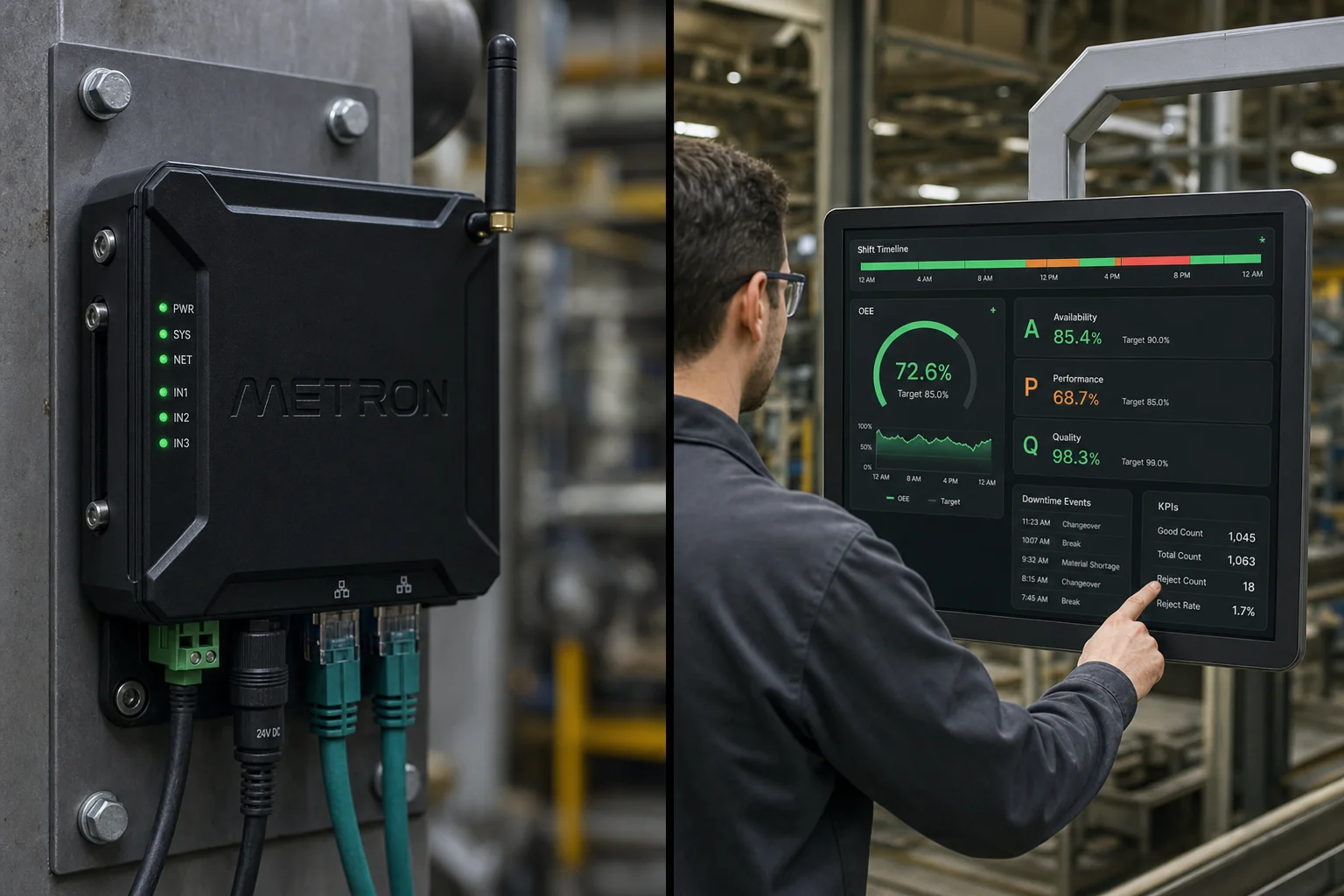 Illustrative scene
Outcomes
Product tour
Timeline + Pareto on the same Core as OEE — no separate spreadsheet.
Illustrative product scenario — not a customer deployment or live plant feed.
Deterministic sample values show the interaction pattern. Production deployments bind this view to governed Industrial Core signals.
| Module signal | 42m |
|---|---|
| Context | Deterministic sample values show the interaction pattern. Production deployments bind this view to governed Industrial Core signals. |
Material shortage, changeover, mechanical — ranked by minutes lost this shift.
Every stop with reason, duration, and machine — ready for root cause.
Day on the floor
Accuracy
Planned vs unplanned downtime follows site policy. OEE Availability stays honest.
Bring one production line, its current data sources, and a priority loss. We will map the measurement, workflow, and proof of value.