Features
Operational workflows built on trusted production events
Each screen supports a specific factory job: capture a stop, review a loss, complete a check, coordinate an action, or verify the result.
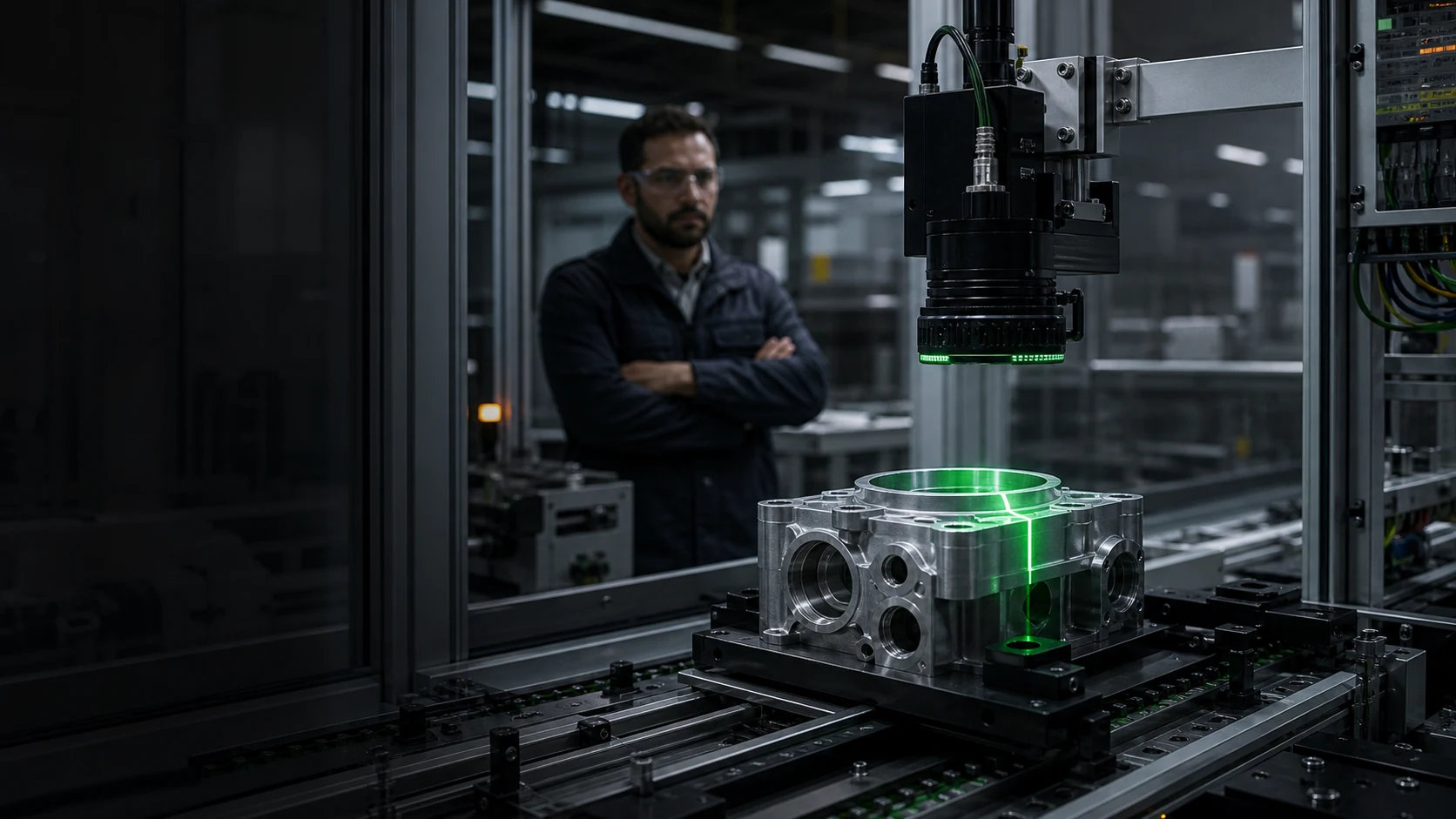 Illustrative scene
Hub
Feature pages
Tablet-first, glove-friendly, one primary job per screen.
Shift View
Real-time shift performance — large touch targets, stop reasons in ≤2 taps.
Explore →OEE Dashboard
A×P×Q with component breakdown for supervisors and engineers.
Explore →Factory overview
Site and line rollups with drill-down to machine state.
Explore →Reports
Shift and loss reports that stay consistent with Core OEE contracts.
Explore →Checklists
Operator and maintenance checklists on tablet-friendly screens.
Explore →